Got an old laptop creating a tech graveyard in your cupboard? You’re not alone. With technology moving at lightning speed, it’s easy to end up with outdated devices. But before you even consider tossing that old computer, let’s talk about a much better, planet-friendly solution.
Here at Reloop Recycling FZE, we’re all about giving old tech a new lease on life and keeping hazardous e-waste out of our landfills. When you recycle your electronics, you’re not just decluttering; you’re helping to recover valuable materials and protect the environment. In fact, recycling a million laptops saves enough energy to power 3,500 homes for a year!
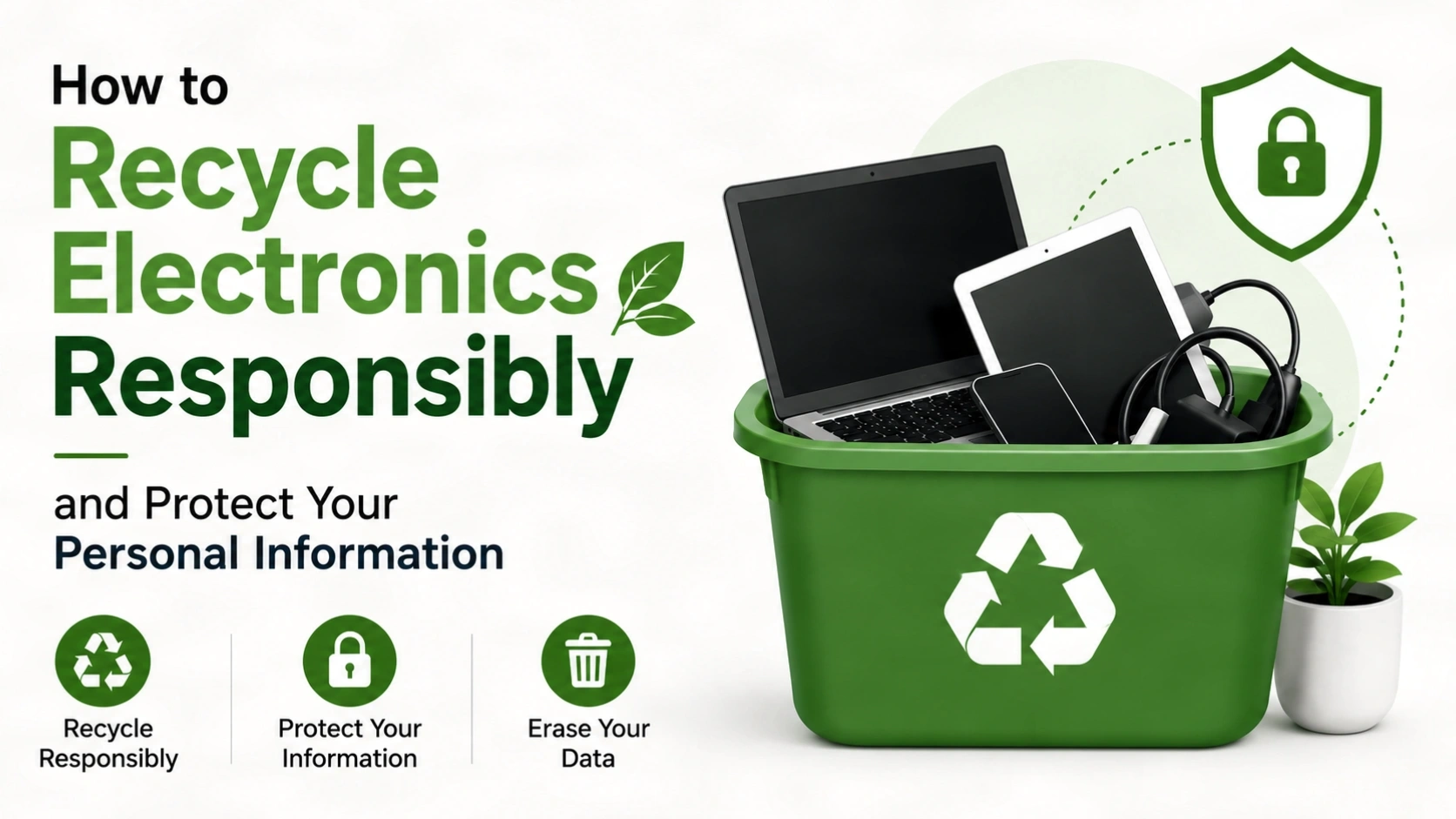
Ready to do your part? Here’s a straightforward guide to preparing your computer for recycling.
Hold On! 4 Crucial Steps Before You Recycle
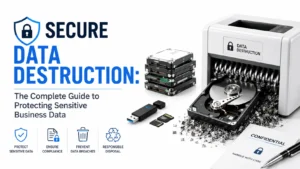
Your data is your business. Before you hand over your old device, it’s vital to ensure your personal information is protected. Here’s a simple checklist to make sure your data stays safe:
| Step | What You Need to Do | Why It’s a Non-Negotiable |
|---|---|---|
| 1. Back It Up | Copy all your important files, photos, and documents to a cloud service or an external hard drive. | Once your device is gone, so is your data. Make sure your memories and important files are safe and sound! |
| 2. Log Out of Everything | Sign out of all your accounts – think email, social media, banking apps, and any software subscriptions. | This prevents anyone from gaining access to your online world, either by accident or intentionally. |
| 3. Wipe It Clean | Perform a full factory reset. For extra security, you can use disk-wiping software to completely erase the hard drive. | This is the digital equivalent of shredding your documents. It destroys your personal data so it can’t be recovered. |
| 4. Unplug All Extras | Remove any USB drives, SD cards, or other peripherals connected to your device. | These items are recycled separately, and you wouldn’t want to lose a valuable USB stick! |
A quick note for Chromebook users: Just sign out of your Google account and do a factory reset – it’s that simple! If you’re highly concerned about your data, you can physically remove and destroy the hard drive before recycling the rest of the computer.
Managing Multiple Devices?
Disposing of a few laptops is simple. Managing hundreds of retired devices, servers, and IT assets requires a secure and compliant process.
Reloop Recycling helps businesses handle bulk IT asset disposal with secure collection, certified data destruction, detailed reporting, and responsible recycling — ensuring your organization stays protected every step of the way.
Talk to Our IT Asset Disposal TeamIt’s Not Just About Laptops!
Don’t stop with your computer! Those drawers full of old gadgets and accessories can be recycled too. Reloop Recycling FZE can help you responsibly dispose of a wide range of electronics, including:
- Old monitors
- Keyboards and mice
- Printers and used ink cartridges
- Computer speakers and cables
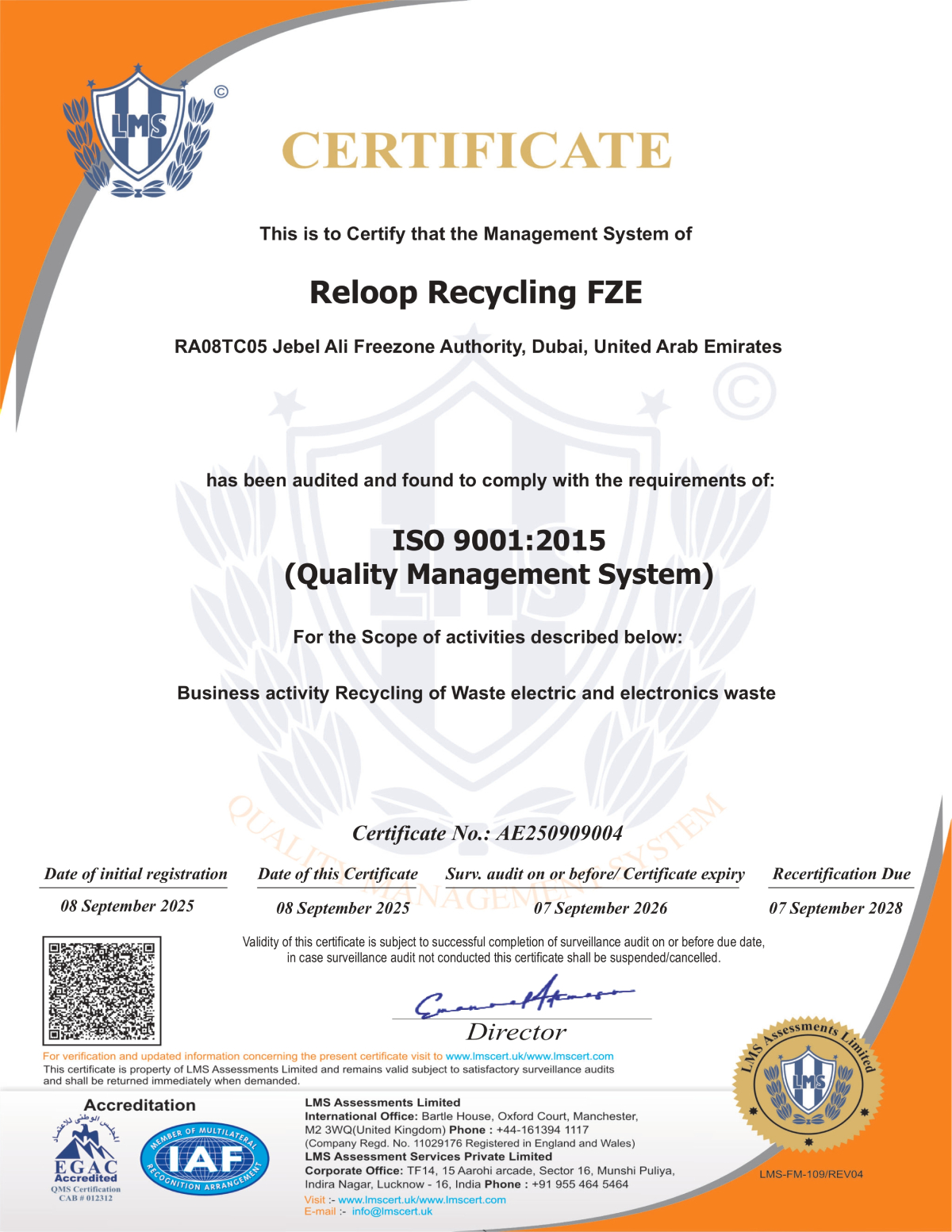
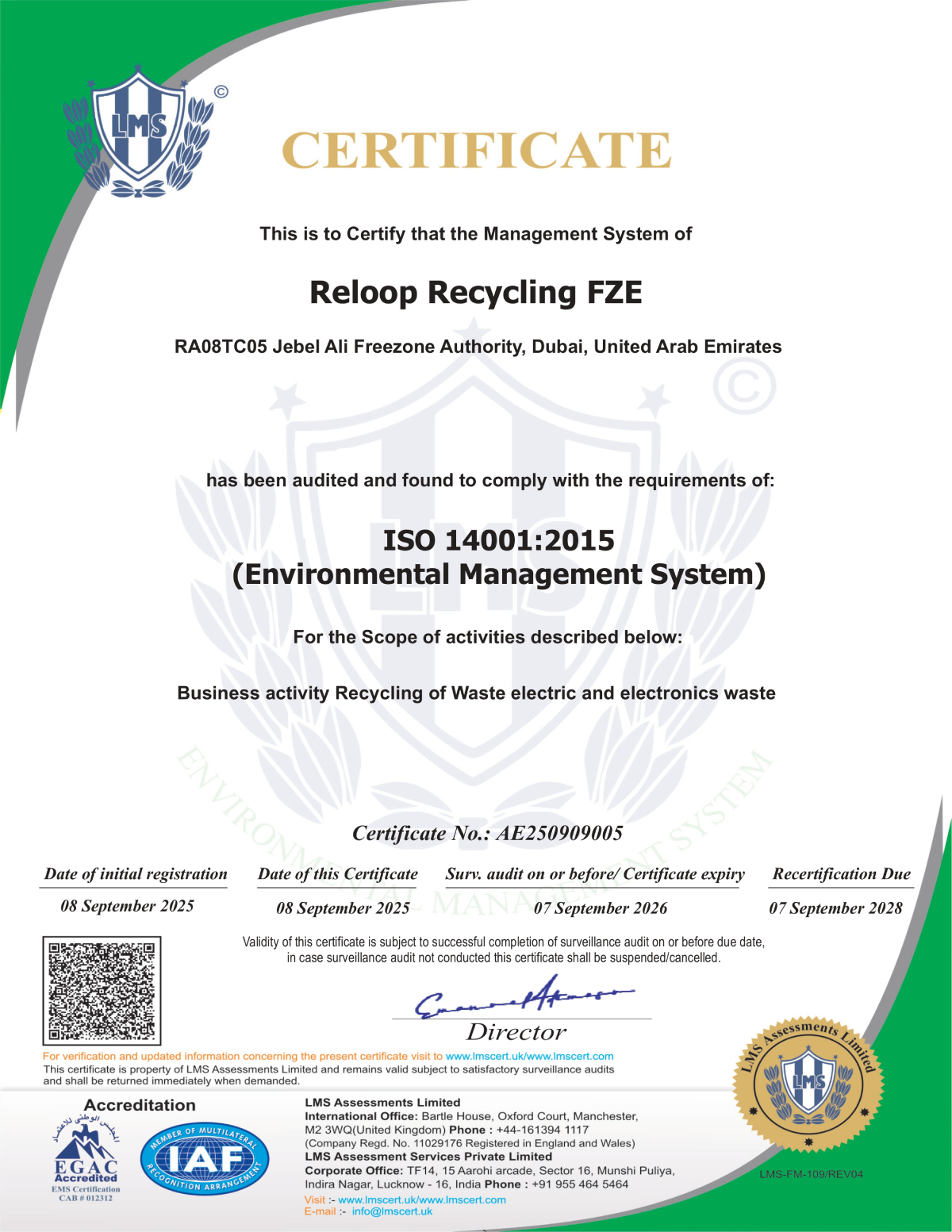
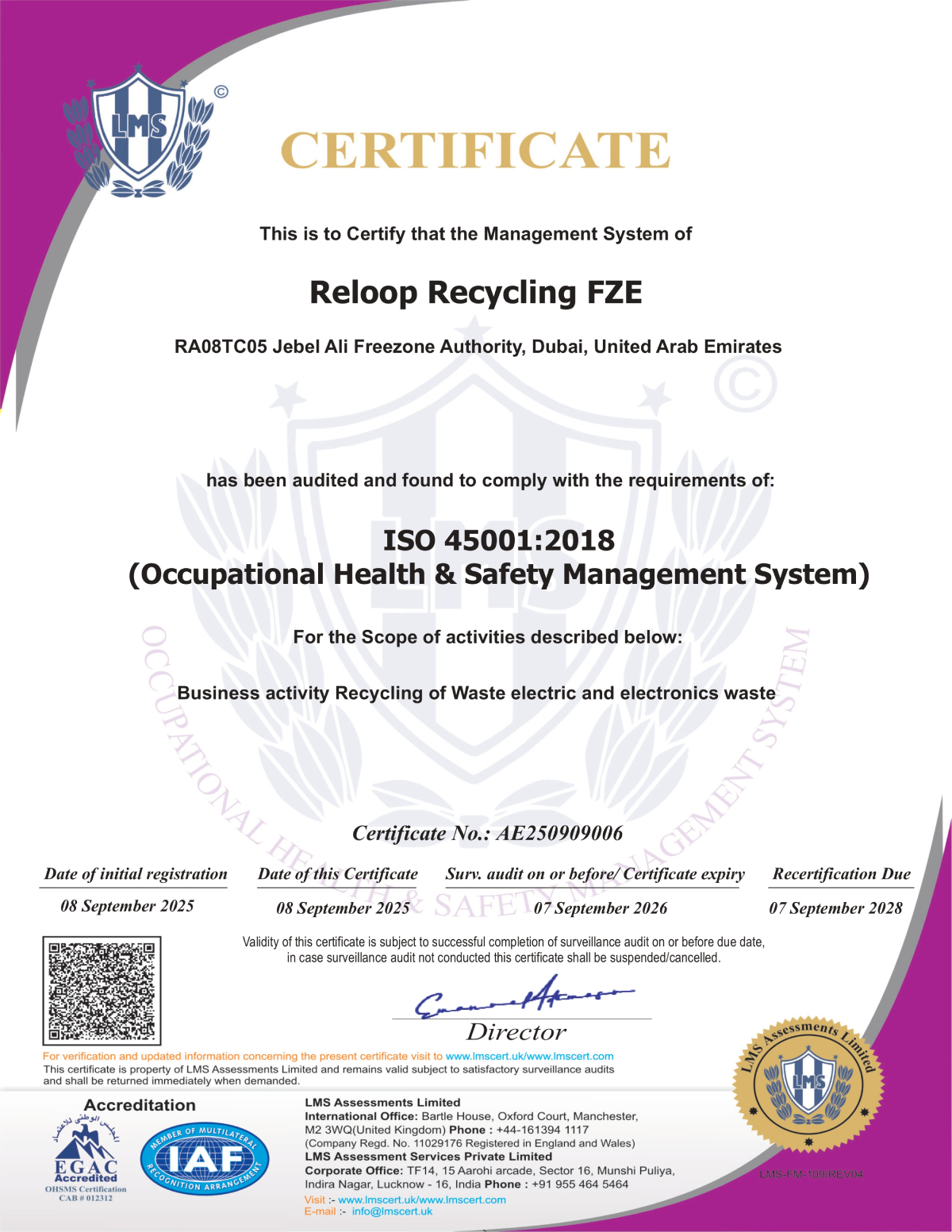
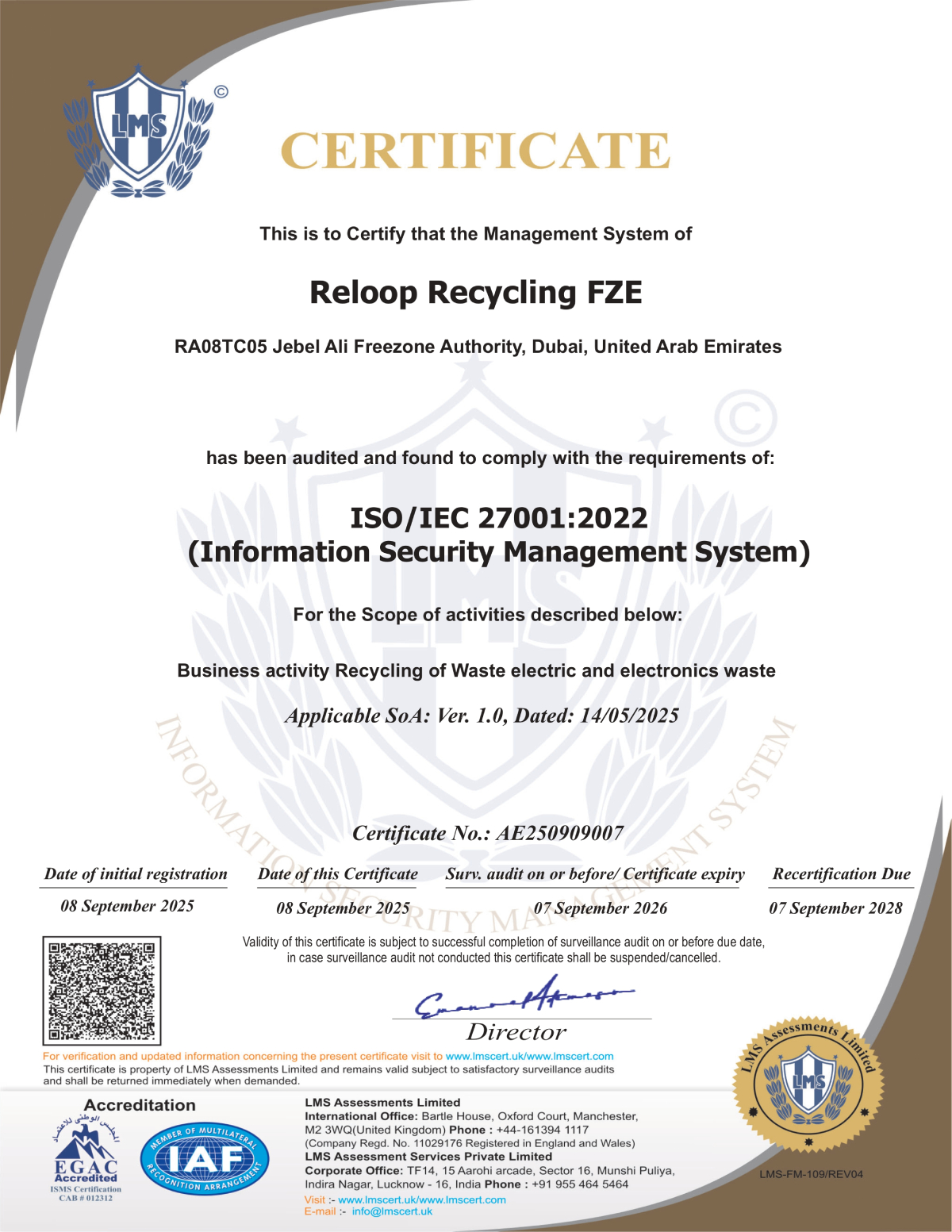
Our Certifications Reflect Our Commitment to Quality, Security & Sustainability
At Reloop Recycling, we believe responsible recycling starts with accountability. Our internationally recognized certifications demonstrate our commitment to delivering secure, compliant, and environmentally responsible IT asset disposition (ITAD) and e-waste recycling services. From quality management and environmental stewardship to information security and workplace safety, every process is designed to meet global standards and provide our clients with complete confidence.
What If It Still Works?
If your old computer is still in good working condition, consider giving it a second life through donation. Many local schools, community centers, and non-profit organizations are in great need of functional tech. Some manufacturers also have trade-in programs that offer credit towards your next purchase.
However, if your device has truly reached the end of its road, Reloop Recycling FZE is here to ensure it’s handled the right way. We are committed to a process of responsible IT asset disposition that focuses on recycling, reusing, and refurbishing. Our process includes certified data destruction to guarantee your security and compliance with all regulations.
With active operations in the UAE and the United States, we are working to build a smarter circular economy. Join us in our mission to create a more sustainable future. Don’t dump it, Reloop it!
Ready to recycle? Bring your old technology to Reloop Recycling FZE today
Frequently Asked Questions
Que: When disposing of an old computer to protect your personal information, what should you do?
Ans: Before recycling or disposing of an old computer, you should back up important files, sign out of all accounts, perform a factory reset, and securely erase the hard drive. For businesses handling sensitive data, certified data destruction services provide an additional layer of security and compliance.
Que: What are 10 benefits of recycling electronics?
Ans: Recycling electronics offers many benefits, including reducing landfill waste, conserving natural resources, recovering valuable materials, saving energy, reducing pollution, supporting the circular economy, protecting sensitive data, creating jobs, lowering carbon emissions, and promoting sustainable business practices.
Que: How can we recycle computers responsibly?
Ans: To recycle computers responsibly, first remove or securely erase all personal data. Then choose a certified e-waste recycling provider that follows environmental regulations and responsible recycling practices. Functional devices can also be refurbished, reused, or donated to extend their lifespan before recycling.
Que: How can you effectively recycle electronics?
Ans: Effective electronics recycling starts with separating devices, batteries, cables, and accessories. Back up and erase your data, remove any storage media, and take your electronics to a certified recycling facility. Professional recyclers ensure that valuable materials are recovered while hazardous components are handled safely and responsibly.

Raju Lajwani
 Connect on LinkedIn